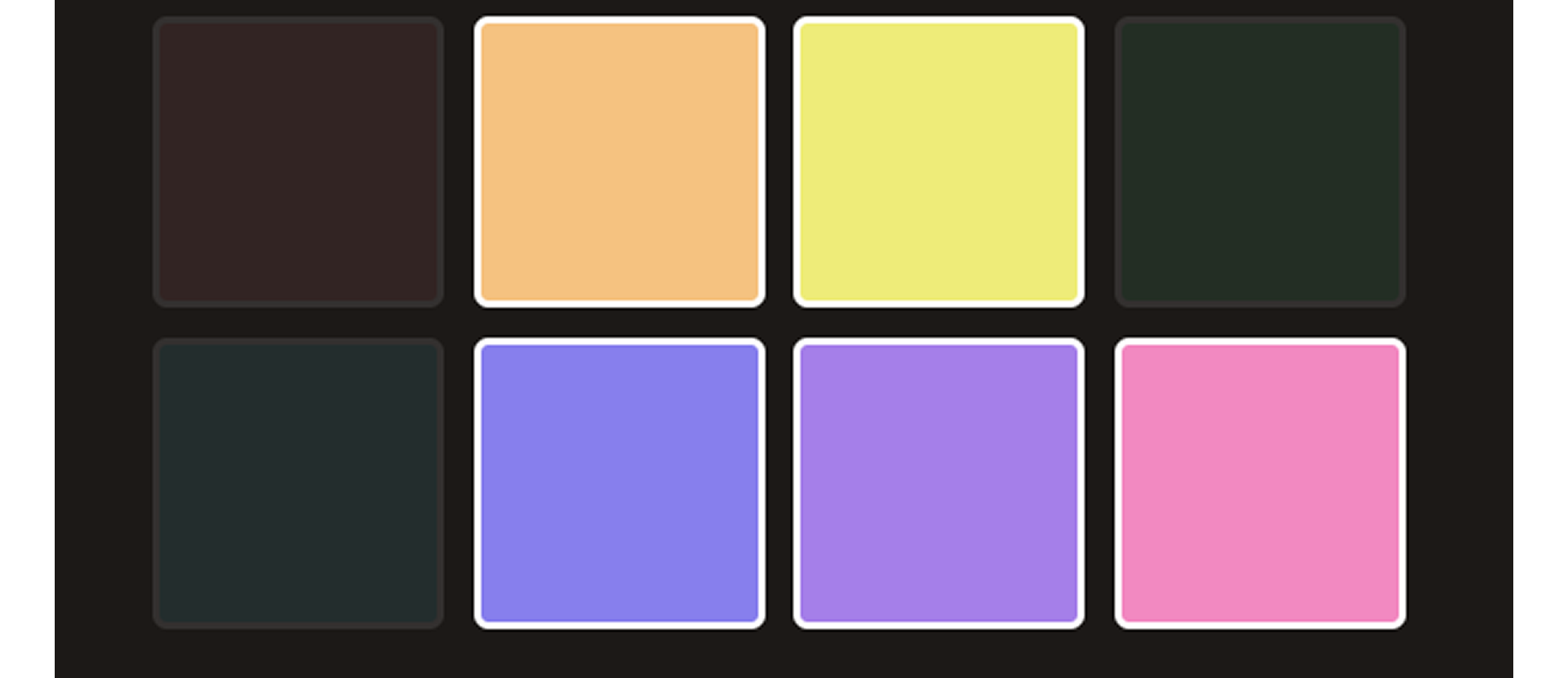
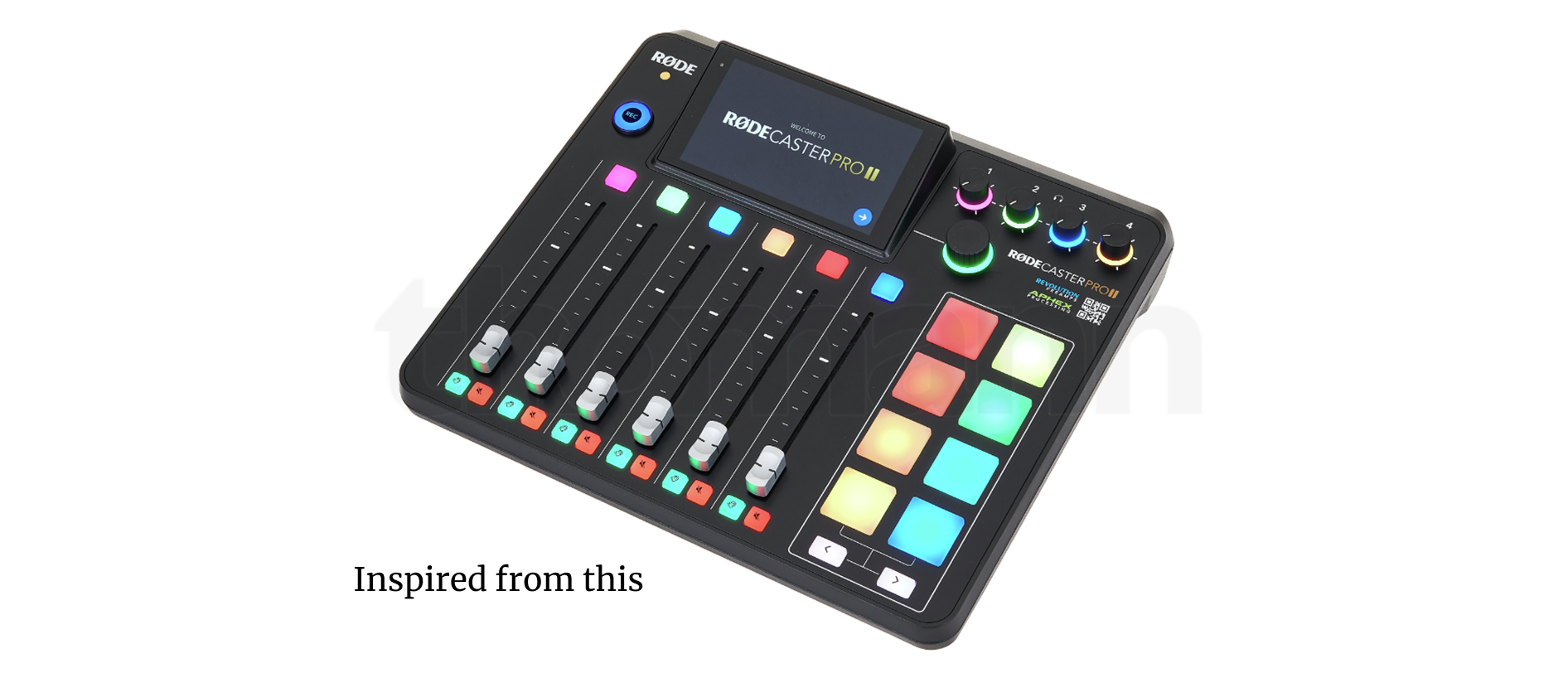
Sound Pads is a lightweight, interactive React application that visually represents a grid of pads which can be toggled on and off. Each pad is color-coded and reacts to user input by changing its opacity to reflect its state. The project demonstrates dynamic styling, state sharing between components, and controlled state updates in a React environment.
Key Features:
- Dynamic Grid UI: An 8-pad interface arranged in a 4x2 responsive grid layout using CSS Grid. Each pad has a unique background color and toggles between active (on) and inactive states with visual feedback (opacity changes).
- State Management in React: Uses useState() to manage pad states at the top level (App component). Pad state is updated immutably through a toggle(id) function that updates the selected pad by id.
- Reusable Component Architecture: The Pad component is reusable and receives props like id, color, on, and the toggle handler. State is lifted and managed at the parent level for consistent updates.
- Simple, Clean Styling: CSS provides a dark theme with styled interactive elements. Active pads have full opacity, while inactive ones are dimmed.
- Dark Mode Support: Accepts a darkMode prop to demonstrate basic theming.
Technologies Used:
- React (Functional Components with Hooks)
- CSS Grid and Flexbox for Layout
- Modular Component Design
- JavaScript ES6+
What I Learned:
- Managing and updating complex state structures in React.
- Building component-based architecture and passing event handlers via props.
- Applying conditional styling and classNames based on component state.
- Maintaining immutability in state updates for predictable rendering.
Use Case & Purpose:
This project was built as a foundational exercise in UI interactivity and state management. While it doesn't include sound playback, it's a strong base for expanding into an interactive soundboard or MIDI controller.
Future Ideas:
- Add sound playback using the Web Audio API or HTML5 Audio.
- Expand grid size dynamically.
- Implement keyboard shortcuts to toggle pads.
- Save and load pad configurations.